
Hot
Mikrotik Certified Network Associate
The MTCNA course covers a wide range of topics to provide participants with a solid foundation in MikroTik networking. The ...
Show more

- Description
- Curriculum
- Reviews
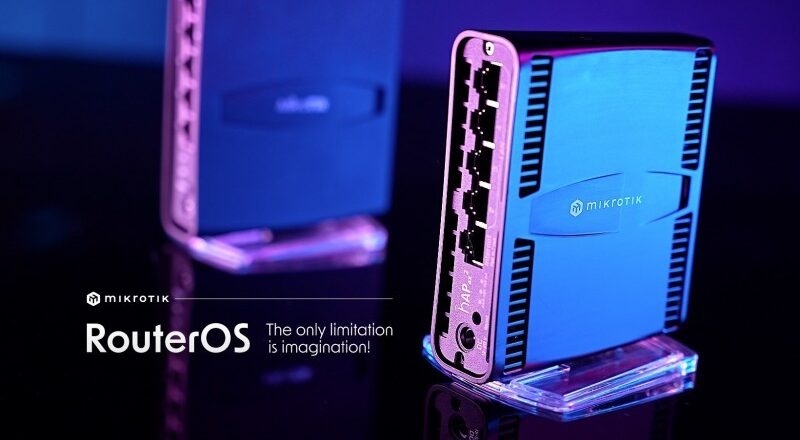
The MikroTik Certified Network Associate (MTCNA) course is designed to provide comprehensive training and knowledge about MikroTik routers and the RouterOS operating system. It is an introductory-level course that equips participants with essential skills to configure, manage, and troubleshoot MikroTik routers and networks.
Course Outline:
The MTCNA course covers a wide range of topics to provide participants with a solid foundation in MikroTik networking. The following is a sample outline of the course content: Course Objectives:
- Understand the fundamentals of computer networks and TCP/IP.
- Gain knowledge about MikroTik RouterOS architecture and features.
- Configure basic routing and switching using MikroTik routers.
- Implement Network Address Translation (NAT) and DHCP services.
- Configure Quality of Service (QoS) to manage bandwidth effectively.
- Implement firewall and filter rules to secure the network.
- Monitor and troubleshoot network performance and connectivity issues.
- Prepare for the MTCNA certification exam.
- Establish secure remote access to MikroTik devices.
Module 1:Introduction to Mikrotik
Domain 2 — Device Access, Management, and the CLI
-
3
 Understanding RouterOs CLI
 -
4
 Accessing the Mikrotik Device Via Webfig
 -
5
Accessing Mikrotik Router via Telnet and SSH
-
6
Accessing Mikrotik Router via Winbox
-
7
Set and Edit Command
-
8
Basic CLI Navigation
-
9
SECTION 1: Access & Initial Setup Labs
-
10
SECTION 2: System Management Labs
-
11
SECTION 3 – Interface & Device Control Labs
-
12
SECTION 4 – User Management & Security Labs
-
13
SECTION 5 – Remote Access & Services Labs
Domain 3 — LAN Switching (Layer 2 Technologies)
Domain 4 — IP Addressing and Network Services
Domain 5 — Routing and Forwarding
Domain 6 — Security and Traffic Control
Domain 7 — Quality of Service (QoS)
Domain 8 — Wireless Networking
Domain 9 — System Management, Maintenance, and Recovery
Stars 5
6
Stars 4
0
Stars 3
0
Stars 2
0
Stars 1
0






 Google